The passport is not just a travel document; it serves as proof of the holder’s identity and nationality. And so, any mistake in spelling, date of birth, gender, civil status, or other details could lead to serious problems.
Fortunately, correcting passport errors is possible, especially if these were discovered early during the application process. It also depends on the specific type or error made, the documents needed to correct it, and the recommendations of Department of Foreign Affairs (DFA) officials.
Guide to Correcting or Updating Passport Information
Just as there are different types of passport information errors, there are different ways to resolve and correct them.
Common Types of Errors
Here is a list of the most common errors in passports:
Encoding or Clerical Error in Form
A misspelled address, wrong contact number, or typo error in the application form counts as an encoding or clerical error. It is easy to correct this, especially if no appointment or payment has been made yet.
Error in Personal Information
Errors in personal information include wrong first name, middle name, or surname. It may also be incorrect gender, date of birth, or place of birth. These are not simply “typo” errors since they involve identification details, and would require official documents for correction.
Change in Name
When a woman gets married, she may opt to use her husband’s surname in her passport. Likewise, when a woman gets divorced, or if the marriage is annulled, she may revert to using her maiden name again.
Changes in civil status usually involve changes in name, as well. In these cases, official documents are required for correction or clarification.
Error Printed in Released Passport
A person might notice the error after the passport has been released. It could be a misspelled name, incorrect date of birth, or wrong gender. In these cases, the person may need to surrender the passport and apply for its replacement or re-issuance.
Discrepancies in Records
There are cases where a person’s records may be inconsistent. For example, a man may have the “Jr.” suffix in his driver’s license, but it does not appear in his baptismal certificate. If this is the case, then it is not just a matter of spelling or typo error, but one that may require correction and clarification at the Philippine Statistics Authority (PSA).
How to Resolve Passport Errors
Aside from knowing the type of error, it’s important to verify when the error was made, as this would affect the necessary action/resolution.
Error Made Before Booking or Payment
If the error was made before a passport appointment is booked or paid, it can easily be corrected online, while filling out the application.
Error Made After Booking but Before Personal Appearance
In contrast, if the error was discovered after an appointment had already been made, it can be resolved during the applicant’s personal appearance at the DFA. He/she must mention the error to DFA personnel.
Depending on the type of error made, the DFA personnel may ask for additional documents, place the application on hold, or ask the applicant to re-book and make a new application.
Error Discovered After Passport is Released
If the error was discovered after the passport had been printed and released, the passport holder must report the error immediately to the DFA. He/she must surrender the incorrect passport, present supporting documents, and follow instructions given by the DFA personnel.
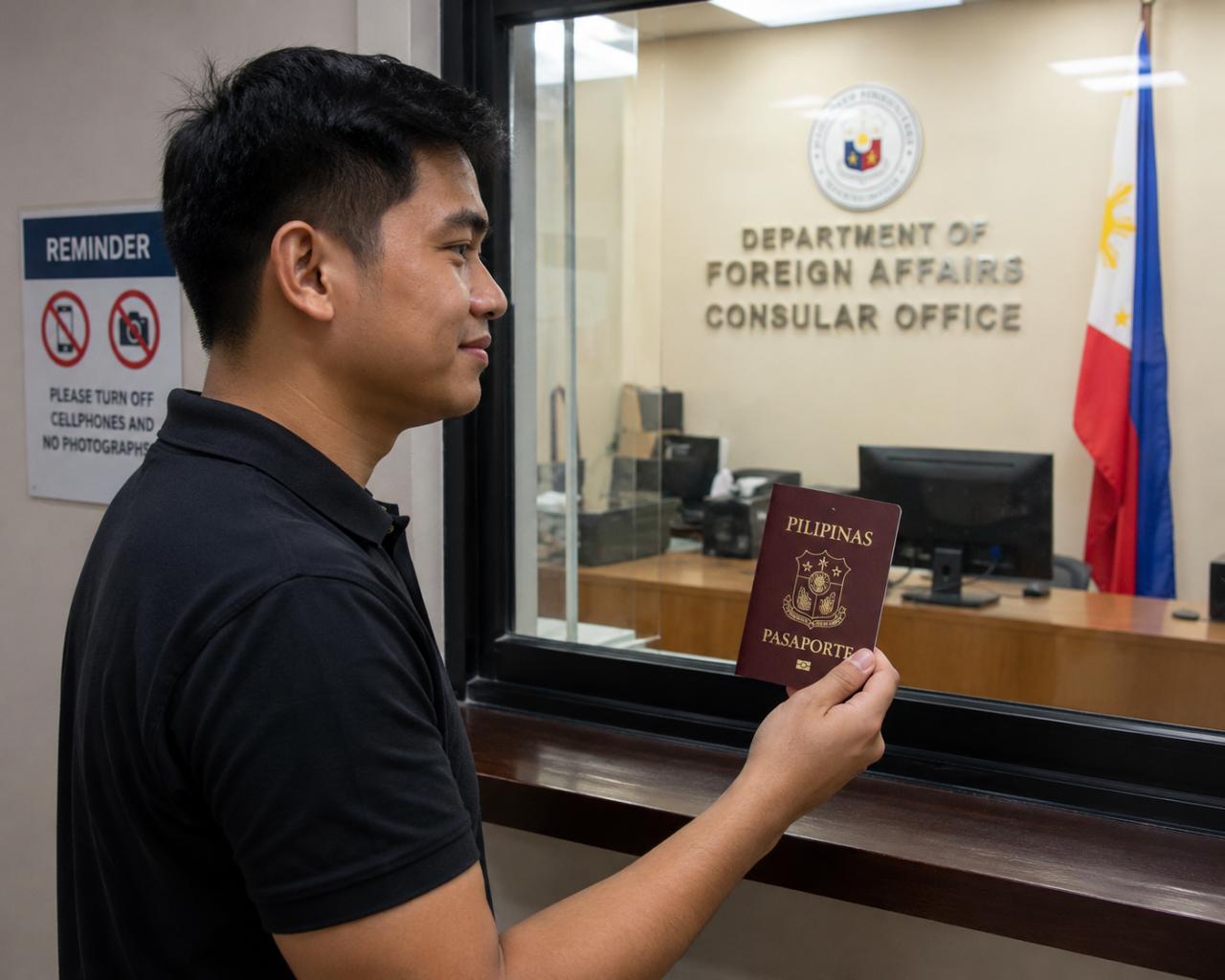
Correcting passport information errors depends on the type or error, when it was made, and when it was discovered. The earlier an error is detected, the easier it is to correct or resolve the matter. In any case, it’s always important to have supporting documents on hand.
Speaking of passports, women who are reverting to using their maiden names must prepare certain documents and follow proper procedure. Visit this guide to learn about the required documents and steps.